
MORE THAN A MESSAGE.
A voice. A view.
A closer connection.
Start a conversation, request a camera stream or send your PC’s playback to your phone. Sharing begins with the device owner’s approval.
VOICE & VIDEO
Be there,
from your other screen.
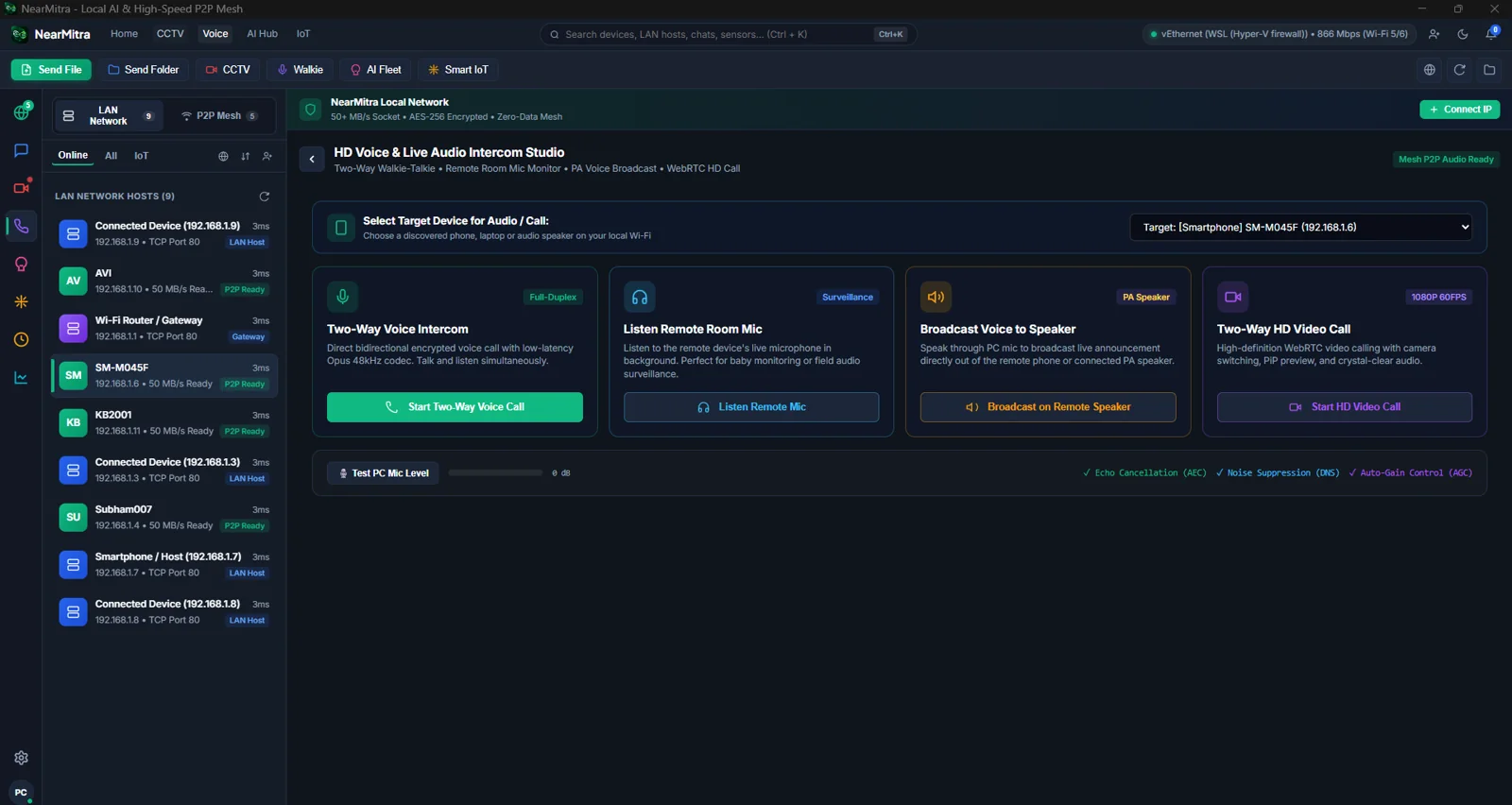
NearMitra brings voice and video calling into your device workflow. Supported connected-call controls include camera/audio switching and screen sharing.
- Microphone and camera permissions are feature-specific
- Screen sharing uses explicit capture approval
- Stop or disconnect to end the session
WI-FI AUDIO
Let your phone listen in.
Standalone Wi-Fi Audio is separate from calls and camera streaming.
- 01
Start on Windows
Open Voice → Broadcast PC Audio to Phone. Choose All PC apps or the supported tab capture mode.
- 02
Approve on Android
Open Streaming → Wi-Fi Audio on the phone and accept the request. Both sides can stop the session.
- 03
Check your audio output
All-PC capture uses an active Windows playback output. NearMitra does not install a virtual audio driver.
APPROVED CAMERA SHARING
A camera stream.
With a clear owner.
Request a supported camera stream and approve access on the device being used. Keep camera sharing intentional and end the session when you are finished.
Gallery screenshots include historical interface labels. They do not establish deployed person-counting, identity recognition or production vision classification.
Understand permissions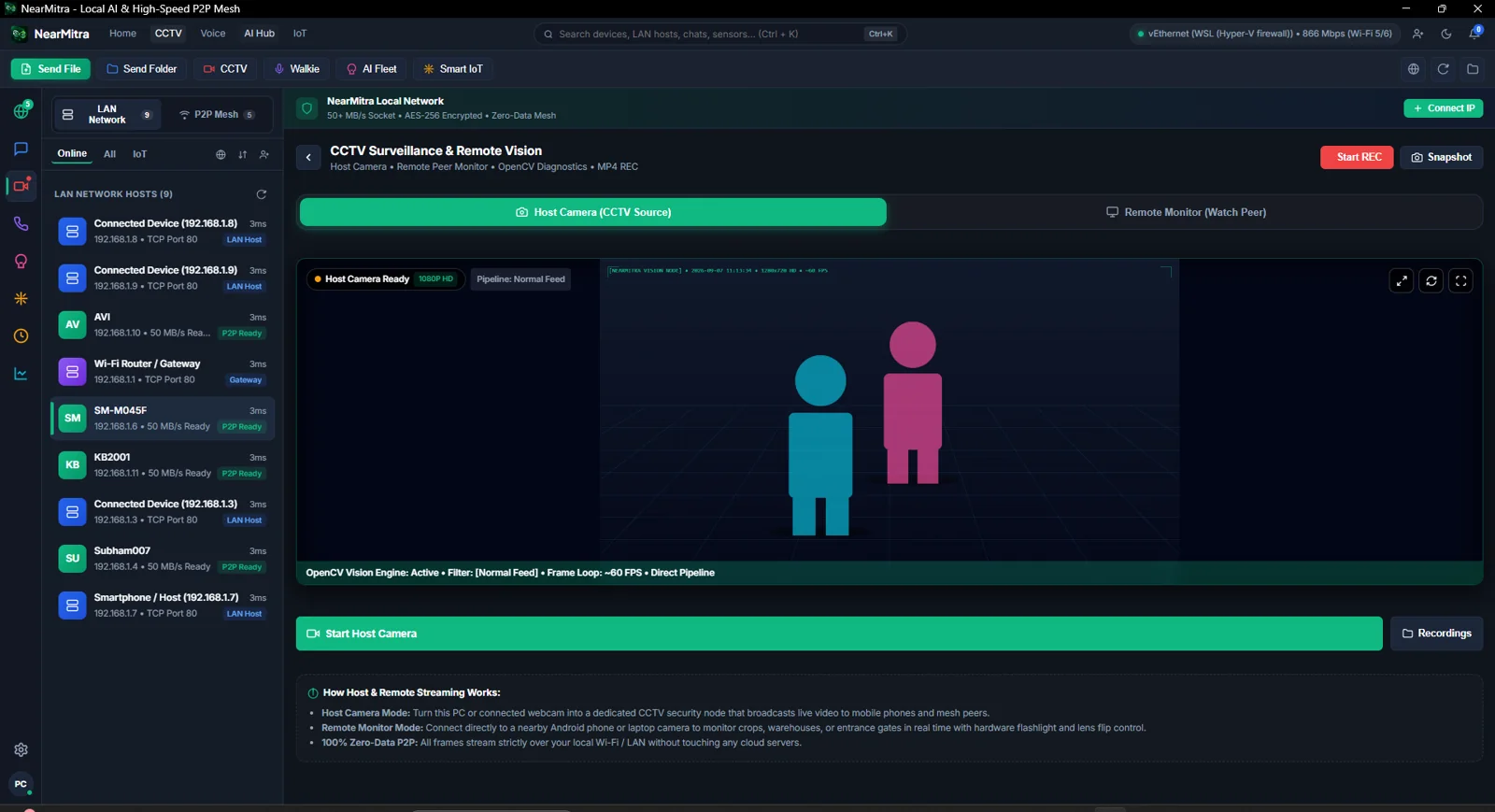
YOUR NEXT CONNECTION STARTS HERE.
Bring your devices
a little closer.
For Android & Windows. Built in the open.